

Rules & Guidelines
Guidelines
NOTE: If the following guidelines are not observed, your Asset entry/entries will be disqualified and will not go through the voting phase.
Face and Node count
You have a limit of 5000 faces per asset, but ideally, assets should try to be as far from that limit as the design allows it.
You also have a max floor footprint of 512 Voxels in size. Don't exceed 512x512x512 for height, length and width
High polycount puts more load on the performance of the game, so technically, every face counts, especially for assets that can be used multiple times in a single game.
It is always important to find ways to simplify the geometry of your design without losing your concept. High Node count can severely affect game performance and we suggest keeping the amount of nodes down as much as possible.
Animations
Depending on the theme of the contest, it's always a good idea to have as many working animations as possible, to make your asset more usable. If you are using a template like the medium NPC and making edits and additions, making the asset compatible with the animations that come with the templates. Unless stated in the medium all assets submitted to the VoxEdit contests should at at least 1 animation, that is shown in the Gif sent in.
Always test your asset in Game Maker to make sure all animations work as intended.
We require all winners of the VoxEdit Contests including participation prize to be KYC or KYB verified. You must be KYC verified before the end of the submission deadline.
Making Your Entry
Your ASSET must be designed in VoxEdit. This software is free and available on PC & Mac it can be downloaded from the link above.
Your ASSET must be fully animated. You can use the templates in VoxEdit to assist with this. (some contests may not require this but will be described in the rules of that contest)
Your ASSET needs to fit the theme of the contest.
ASSET must comply with:
The Sandbox Terms of Use. Which can be found on The Sandbox website, click here to see them (you already accepted these terms when you created your account)
Submitting Your Entry
Submission Steps
Step 1 : Make a GIF of your ASSET
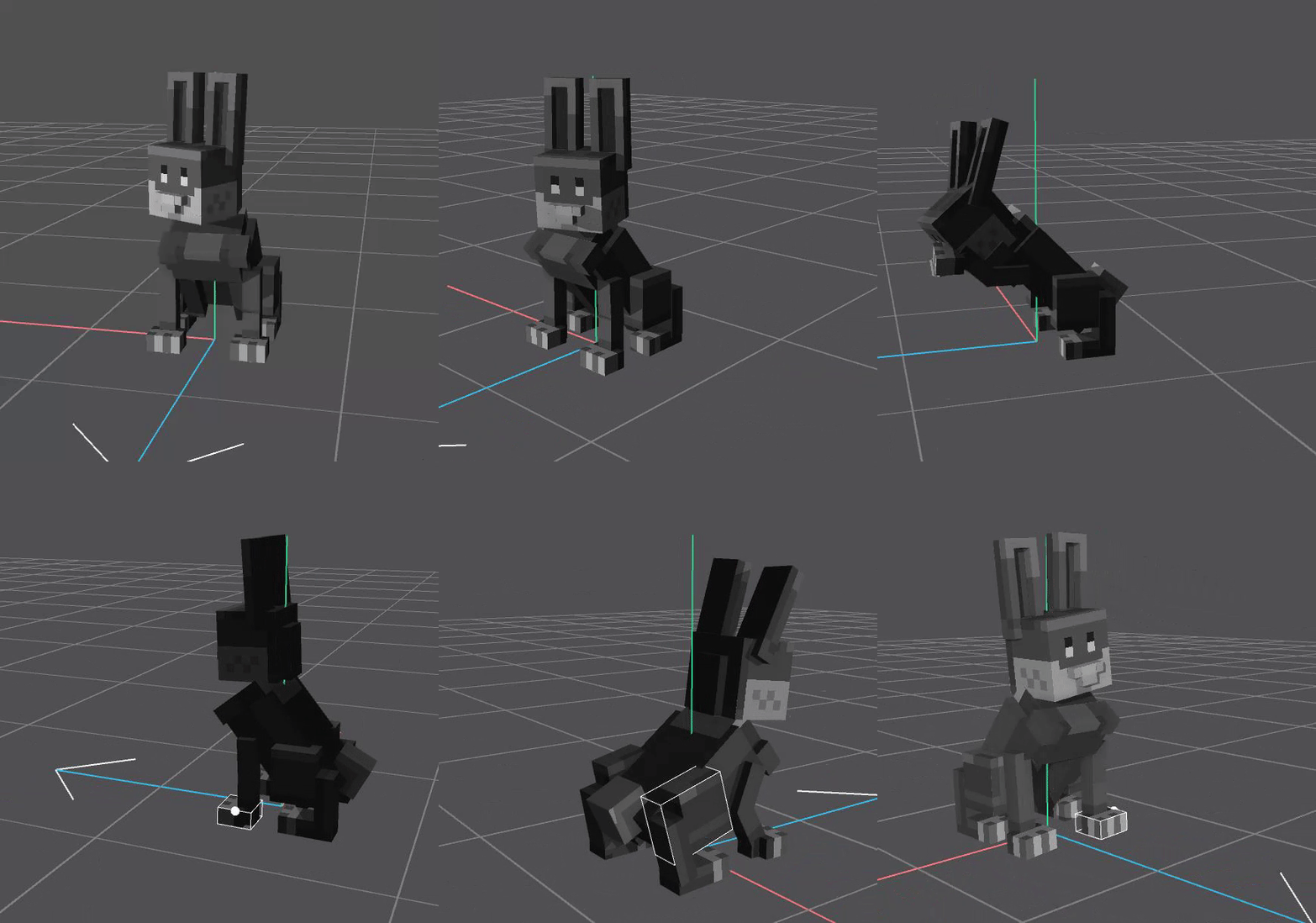
You will need to make a GIF of your Asset. This can be done using Gyazo, which is a third-party Gif maker. Click here to download it. It's always a great idea to show as many usable animations in your Gif as you can.
Here is an example of an ASSET GIF:
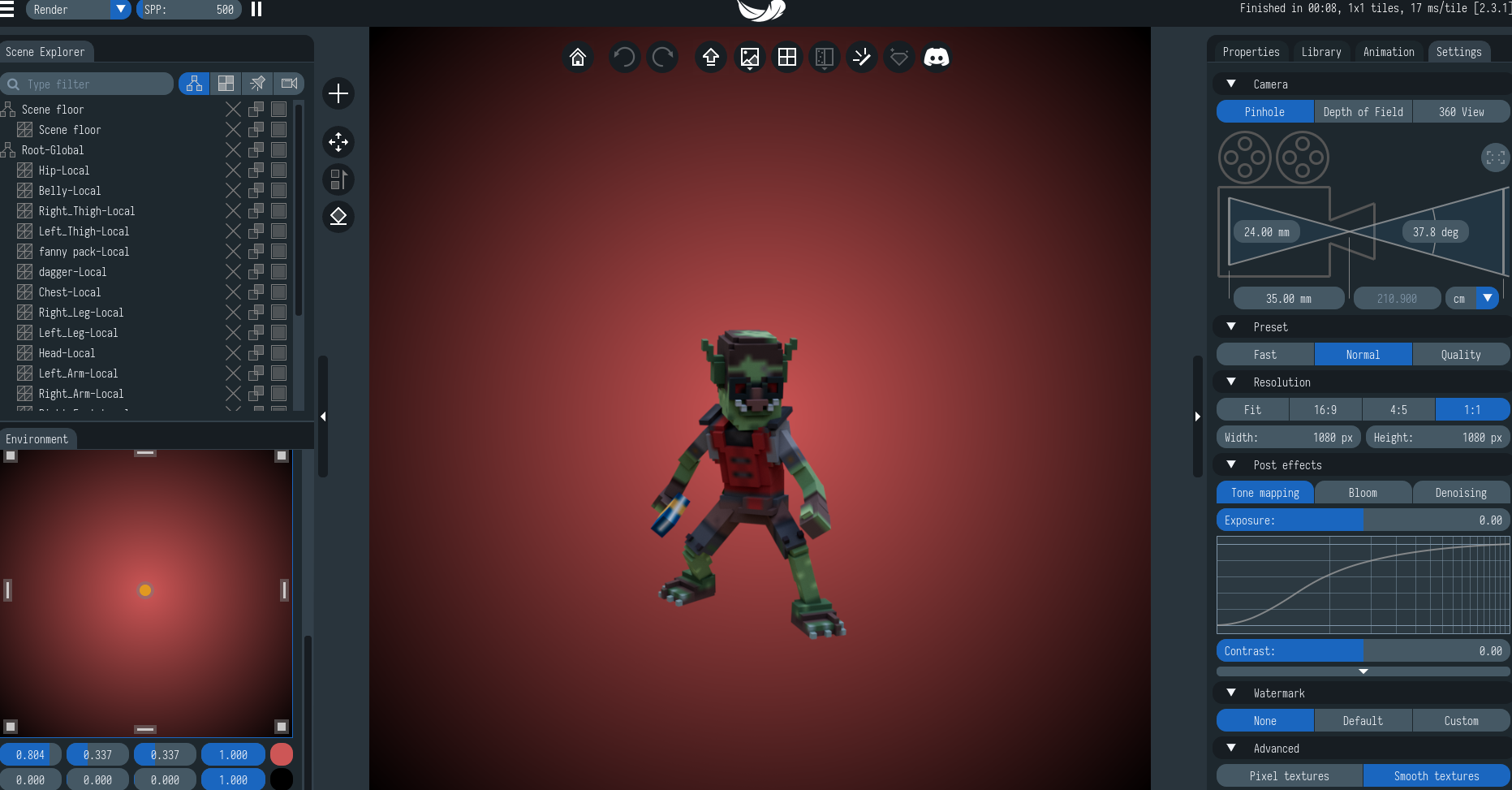
We also suggest using these other third-party software. Light Tracer - Download here or EzGif - Download here
Step 2 : Providing GLTF and "Faces" Image
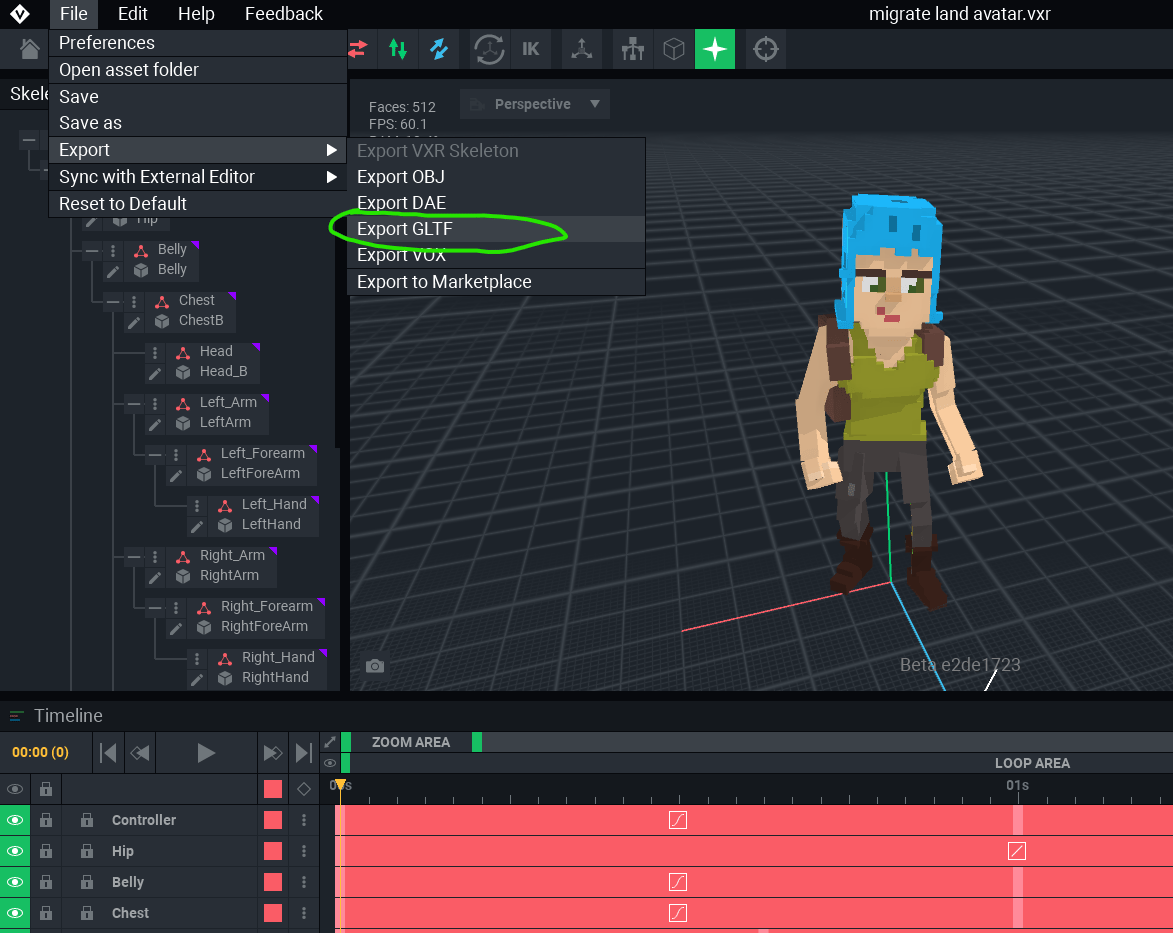
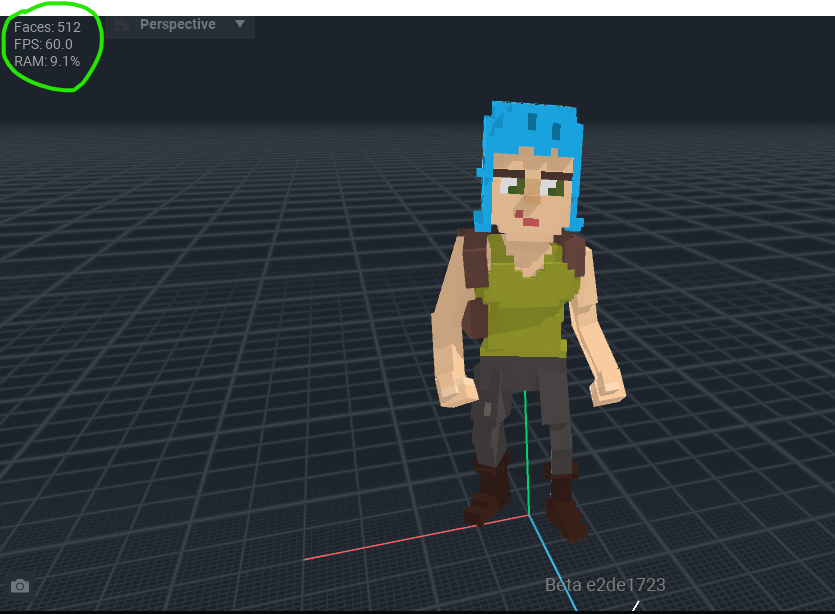
You will also need to provide the ASSETS GLTF as well as a Screenshot to the amount of "Faces" your ASSET has. This is so we can confirm you have adhered to the guidelines for the contest.
GLTF -
"Faces" Image -
To help with our announcements of winners on SM if you happen to have a high quality MP4 of your render we will have a section for you to upload that too as well. Keep in mind that for our voting we do only use GIFs so we do require these as a must to enter.
Optional: Send in an MP4
This is an optional addition. A high quality MP4 render of your asset can be submitted in our forms. These will not be used to Judge the entries but will be used within our Social Media posts. To display the winners of the contests.
Step 3: Submit your entry on the submission form
Now that you have you GIF, GLTF and "Faces" Image, you can begin to upload your entry to the submission form, so that the judging panel can vote on it. The link to this form is provided in the article (i.e., on medium) which announced the contest. Feel free to share your submission on Social Media if you'd like.
Last updated
Was this helpful?