> For the complete documentation index, see [llms.txt](https://docs.sandbox.game/en/llms.txt). Markdown versions of documentation pages are available by appending `.md` to page URLs; this page is available as [Markdown](https://docs.sandbox.game/en/creator/game-maker/beginners.md).

# Beginners

Find your way in Game Maker with core tutorial videos and hands-on activities to learn about building a physical world and applying logic.

## Learn Game Maker *FASTER!*

<figure><img src="https://331512196-files.gitbook.io/~/files/v0/b/gitbook-x-prod.appspot.com/o/spaces%2F83PS3g9zpWmq73xzlwFn%2Fuploads%2FcyOqBLkSSvd9ggFCkYHg%2FBegin%20Game%20Maker%20Main.png?alt=media&amp;token=45d58fbe-832b-4811-9b38-b32758a66c91" alt=""><figcaption></figcaption></figure>

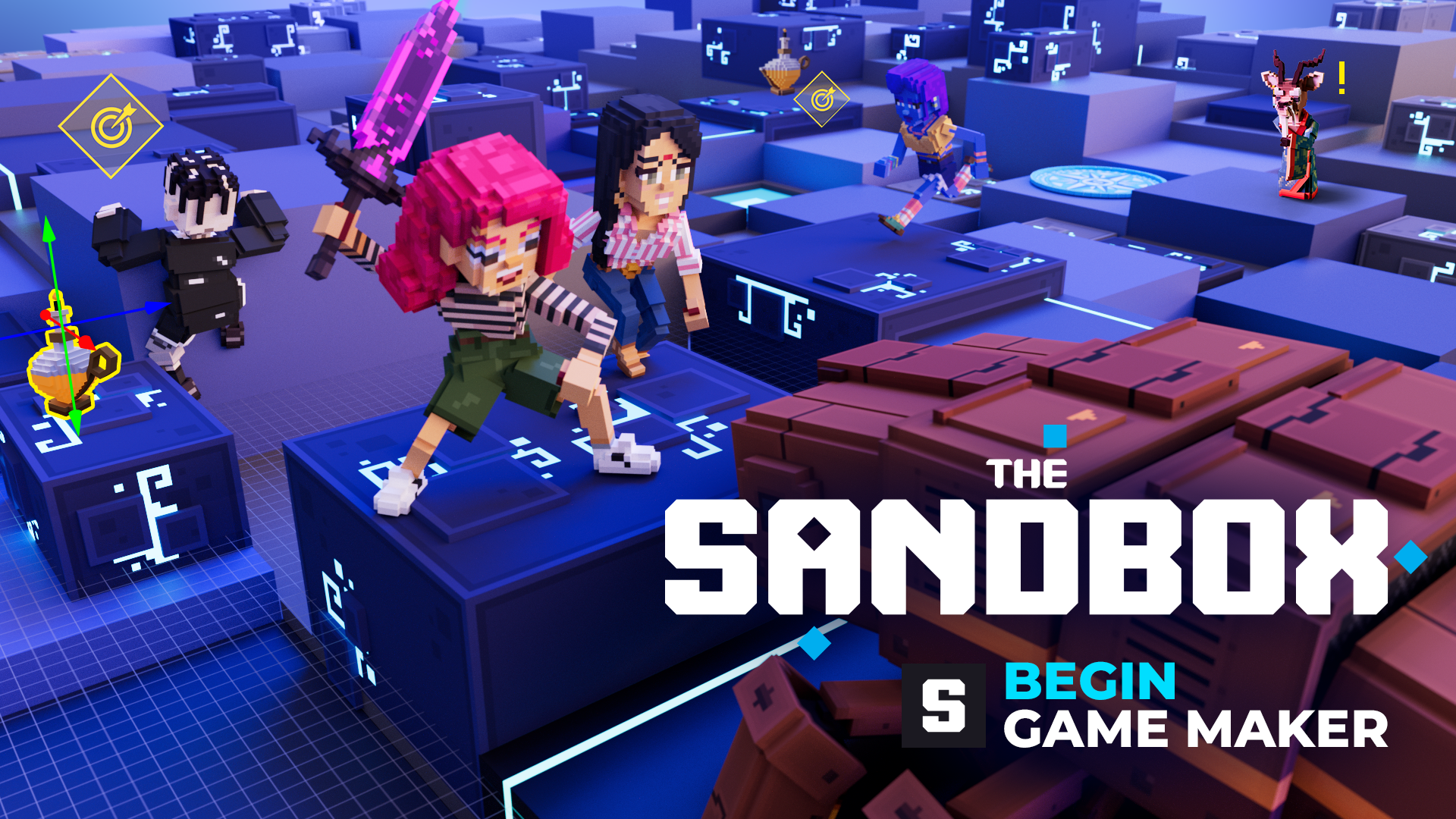
Explore our 1 hour video series to learn the basics of creating in Game Maker.

This hands-on self-paced series simplifies learning Game Maker's core concepts and tools, while guiding you to build a broad variety of useful logic.

## Get Started

<table data-card-size="large" data-column-title-hidden data-view="cards" data-full-width="false"><thead><tr><th></th><th data-hidden data-card-cover data-type="files"></th><th data-hidden data-card-target data-type="content-ref"></th></tr></thead><tbody><tr><td><strong>Play &#x26; Camera Mode Controls</strong></td><td><a href="https://331512196-files.gitbook.io/~/files/v0/b/gitbook-x-prod.appspot.com/o/spaces%2F83PS3g9zpWmq73xzlwFn%2Fuploads%2FyEDORVstbVhwsI7dUOJf%2F1-PlayTest%20thumb.png?alt=media&amp;token=e5195e07-12cf-4cd6-8d51-f1cb0e510455">1-PlayTest thumb.png</a></td><td><a href="/en/creator/game-maker/beginners/play-test.md">Play/Test</a></td></tr><tr><td><strong>Build Mode Camera &#x26; Block Controls</strong></td><td><a href="https://331512196-files.gitbook.io/~/files/v0/b/gitbook-x-prod.appspot.com/o/spaces%2F83PS3g9zpWmq73xzlwFn%2Fuploads%2FwoGFgpgxuPT4FmcWvHed%2F2-Build%20with%20Blocks%20thumb.png?alt=media&amp;token=ced0c4d3-84d7-4f4d-a382-e7372ffe78a3">2-Build with Blocks thumb.png</a></td><td><a href="/en/creator/game-maker/beginners/build-with-blocks.md">Build with Blocks</a></td></tr><tr><td><strong>Asset Placement &#x26; Positioning</strong></td><td><a href="https://331512196-files.gitbook.io/~/files/v0/b/gitbook-x-prod.appspot.com/o/spaces%2F83PS3g9zpWmq73xzlwFn%2Fuploads%2F8DJXQv8RU3zRHA1yW3C4%2F3-Place%20Assets%20thumb.png?alt=media&amp;token=fc08fe7f-89c7-412a-9e3d-b5f401fc2710">3-Place Assets thumb.png</a></td><td><a href="/en/creator/game-maker/beginners/place-assets.md">Place Assets</a></td></tr><tr><td><strong>Object Behaviours &#x26; Tags</strong></td><td><a href="https://331512196-files.gitbook.io/~/files/v0/b/gitbook-x-prod.appspot.com/o/spaces%2F83PS3g9zpWmq73xzlwFn%2Fuploads%2FL13s6qw1OHfEC0wiGnIF%2F4-Set%20Object%20Actions%20thumb.png?alt=media&amp;token=8a46d497-c650-4493-9748-0ea1212b1735">4-Set Object Actions thumb.png</a></td><td><a href="/en/creator/game-maker/beginners/set-object-actions.md">Set Object Actions</a></td></tr><tr><td><strong>Object Logic with Messages</strong></td><td><a href="https://331512196-files.gitbook.io/~/files/v0/b/gitbook-x-prod.appspot.com/o/spaces%2F83PS3g9zpWmq73xzlwFn%2Fuploads%2Fr1a06k5zyaM0uwroOSLz%2F5-Trigger%20Logic%20thumb.png?alt=media&amp;token=a346148a-1e93-4f7a-9881-994e6d1435ae">5-Trigger Logic thumb.png</a></td><td><a href="/en/creator/game-maker/beginners/trigger-logic.md">Trigger Logic</a></td></tr><tr><td><strong>Quest &#x26; Object Integration</strong></td><td><a href="https://331512196-files.gitbook.io/~/files/v0/b/gitbook-x-prod.appspot.com/o/spaces%2F83PS3g9zpWmq73xzlwFn%2Fuploads%2FBpva32WbyyvegSqB77xS%2F6-Craft%20Quests%20thumb.png?alt=media&amp;token=630784a3-cc0b-479f-afba-35a164295bbd">6-Craft Quests thumb.png</a></td><td><a href="/en/creator/game-maker/beginners/craft-quests.md">Craft Quests</a></td></tr><tr><td><strong>Game Mechanics with Rules</strong></td><td><a href="https://331512196-files.gitbook.io/~/files/v0/b/gitbook-x-prod.appspot.com/o/spaces%2F83PS3g9zpWmq73xzlwFn%2Fuploads%2FRvK4TZJ6QrgtyF9CC5Bv%2F7-Set%20Up%20Mechanics%20thumb.png?alt=media&amp;token=d224b015-04df-4424-aa90-6e5cb382c676">7-Set Up Mechanics thumb.png</a></td><td><a href="/en/creator/game-maker/beginners/set-up-mechanics.md">Set Up Mechanics</a></td></tr><tr><td><strong>Multiplayer Game Logic</strong></td><td><a href="https://331512196-files.gitbook.io/~/files/v0/b/gitbook-x-prod.appspot.com/o/spaces%2F83PS3g9zpWmq73xzlwFn%2Fuploads%2F5KgXra1XNpwpNKqN6LOg%2F8-Build%20Multiplayer%20Games%20thumb.png?alt=media&amp;token=06e403f6-1b9d-4be3-ab21-544fd6336e7c">8-Build Multiplayer Games thumb.png</a></td><td><a href="/en/creator/game-maker/beginners/build-multiplayer-games.md">Build Multiplayer Games</a></td></tr></tbody></table>

***

## Basic Tutorial Videos

Use these videos to learn about navigating Game Maker, blocks and assets, and logic. Not that a new controls scheme has been adopted (press F1 in Game Maker to view).

<table data-view="cards"><thead><tr><th></th><th></th><th></th><th></th><th></th><th></th><th></th></tr></thead><tbody><tr><td><strong>CAMERA &#x26; NAVIGATION</strong><br></td><td><a href="https://youtu.be/EXU0o9B4lh0">Navigate Game Maker</a></td><td><a href="https://youtu.be/r5D7ahFTVOE">Pan the Camera</a></td><td><a href="https://youtu.be/zUt2HqdHIuI">Rotate the Camera</a></td><td><a href="https://youtu.be/4mXIkTY36Mg">Zoom the Camera</a></td><td><a href="https://youtu.be/b2WgYDtCEG8">Camera Speed Boost</a></td><td><a href="https://youtu.be/Zdyw48AipzY">Orbit the Camera</a></td></tr><tr><td><strong>3D PLACEMENT</strong><br></td><td><a href="https://youtu.be/KtyAdR9Tfy8">Terraform with Blocks</a></td><td><a href="https://youtu.be/wlBzMPM_zHM">Target an Object</a></td><td><a href="https://youtu.be/k2H8a1gORxE">Place Assets as Objects</a></td><td></td><td></td><td></td></tr><tr><td><strong>Logic</strong><br></td><td><a href="https://youtu.be/gv1YXwamjbA">Introduction to Logic</a></td><td><a href="https://youtu.be/Tes-SfuQk74">Use Presets</a></td><td></td><td></td><td></td><td></td></tr></tbody></table>

***

## Resources

{% content-ref url="/pages/Sr8E0dYtAKodameJznVD" %}
[Learn Creator Basics](/en/creator/basics.md)
{% endcontent-ref %}

<table data-card-size="large" data-view="cards"><thead><tr><th data-card-target data-type="content-ref"></th><th></th></tr></thead><tbody><tr><td><a href="/en/creator/game-maker/docs.md">Docs</a></td><td>Find comprehensive details on Game Maker</td></tr><tr><td><a href="/en/creator/game-maker/docs/gm-guidelines.md">Quality Guidelines</a></td><td>Boost performance with best practices</td></tr><tr><td><a href="/en/creator/game-maker/creative-guides/logic-guide.md">Logic Guide</a></td><td>Add game polish with useful logic schemas</td></tr><tr><td><a href="/en/creator/game-maker/creative-guides/experience-guide.md">Experience Guide</a></td><td>See recommendations by Experience type</td></tr><tr><td><a href="/en/creator/creators-program/game-jams.md">Game Jams</a></td><td>Learn how to compete to win SAND</td></tr><tr><td><a href="/en/creator/game-maker/faqs-game-maker.md">FAQs: Game Maker</a></td><td></td></tr><tr><td><a href="/en/creator/basics/faqs-gameplay.md">FAQs: Gameplay</a></td><td></td></tr><tr><td><a href="/en/creator/basics/faqs-assets.md">FAQs: Assets</a></td><td></td></tr></tbody></table>

## Community

### [Socials](/en/general/socials-news-blogs.md)

![](https://content.gitbook.com/content/83PS3g9zpWmq73xzlwFn/blobs/cKqJHkH8XJVUBW1p5Nt8/discord%20socials.png) VoxEdit Creations Channel         |    <img src="https://content.gitbook.com/content/83PS3g9zpWmq73xzlwFn/blobs/VHWcY0IQSERvMVP7GBho/logo-white.png" alt="" data-size="line"> [#VoxEditWeekly](https://twitter.com/hashtag/VoxEditWeekly?src=hashtag_click)

![](https://content.gitbook.com/content/83PS3g9zpWmq73xzlwFn/blobs/cKqJHkH8XJVUBW1p5Nt8/discord%20socials.png) Game Maker Teasers channel    |    <img src="https://content.gitbook.com/content/83PS3g9zpWmq73xzlwFn/blobs/VHWcY0IQSERvMVP7GBho/logo-white.png" alt="" data-size="line"> [#ScreenshotSaturday](https://twitter.com/hashtag/ScreenshotSaturday?src=hashtag_click)    |    <img src="https://content.gitbook.com/content/83PS3g9zpWmq73xzlwFn/blobs/VHWcY0IQSERvMVP7GBho/logo-white.png" alt="" data-size="line"> [#tsbgamejam](https://twitter.com/hashtag/tsbgamejam?src=hashtag_click)

### Livestreams

Follow along and ask questions during our Livestreams, available on Twitch. Subscribe to receive notifications for when we go live!

{% embed url="<https://www.twitch.tv/thesandboxgame>" %}

### Discord

<table data-card-size="large" data-view="cards"><thead><tr><th></th><th data-hidden data-card-target data-type="content-ref"></th></tr></thead><tbody><tr><td><p><a href="https://discord.gg/thesandboxgame">Join Discord</a></p><ul><li>Ask for help (English) in the Game Maker Community Channel</li><li>File a ticket for a technical issue in the Game Maker Support Channel</li><li>Find channels in other languages</li></ul></td><td><a href="https://discordapp.com/invite/vAe4zvY">https://discordapp.com/invite/vAe4zvY</a></td></tr><tr><td><p><span data-gb-custom-inline data-tag="emoji" data-code="1f5e3">🗣️</span> <a href="/en/general/discord-community.md">Discord Community</a> Guide</p><ul><li>How to join and claim roles</li><li>Basics to navigate Discord</li><li>Resources to stay safe on Discord and report issues</li></ul></td><td><a href="broken://pages/xZgm908ldLfTtdTrsdWg">Broken link</a></td></tr></tbody></table>


---

# Agent Instructions
This documentation is published with GitBook. GitBook is the documentation platform designed so that both humans and AI agents can read, navigate, and reason over technical content effectively. Learn more at gitbook.com.

## Querying This Documentation
If you need additional information that is not directly available in this page, you can query the documentation dynamically by asking a question.

Perform an HTTP GET request on the current page URL with the `ask` query parameter, and the optional `goal` query parameter:

```
GET https://docs.sandbox.game/en/creator/game-maker/beginners.md?ask=<question>&goal=<endgoal>
```

`ask` is the immediate question: it should be specific, self-contained, and written in natural language.
`goal` is optional and describes the broader end goal you are ultimately trying to accomplish on behalf of the user. GitBook uses it to tailor the answer towards what is most useful for that goal.

The response will contain a direct answer to the question and relevant excerpts and sources from the documentation.

Use this mechanism when the answer is not explicitly present in the current page, you need clarification or additional context, or you want to retrieve related documentation sections.