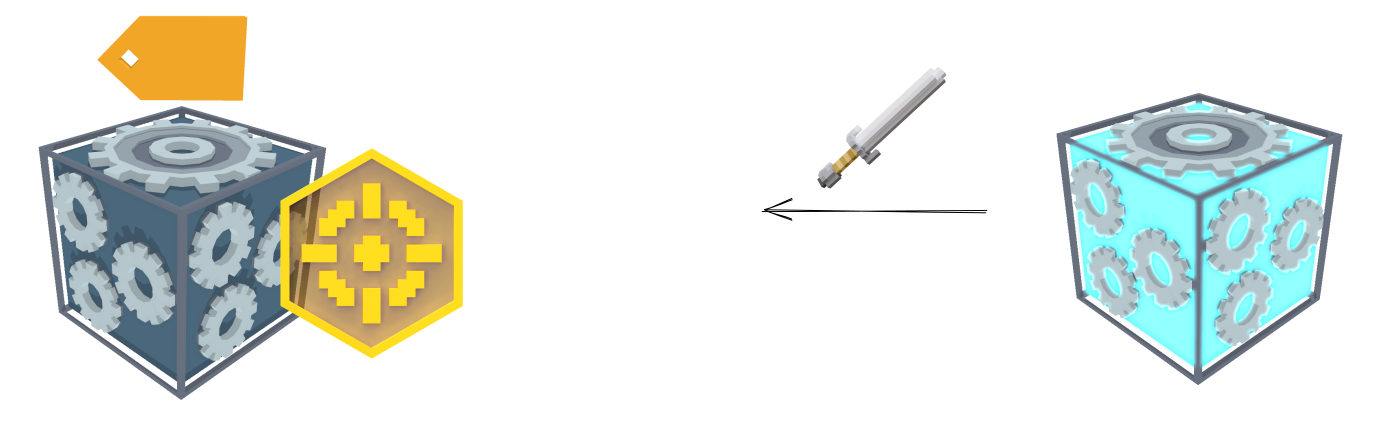
# Soldier

{% hint style="success" %}
**COPY/PASTE PARAMETERS**

New in GM 0.11! Right click on a behaviour or component to copy. Then open an object, add the same behaviour or component, and right click it to paste identical parameter settings.
{% endhint %}

<figure><img src="/files/HAH8564zjto4gBEaufKm" alt=""><figcaption></figcaption></figure>

{% hint style="info" %}
This behaviour has not yet been migrated for use in multiplayer Experiences.
{% endhint %}

## ![](/files/pS9RZBTJTruGLlfpUdtK) Soldier

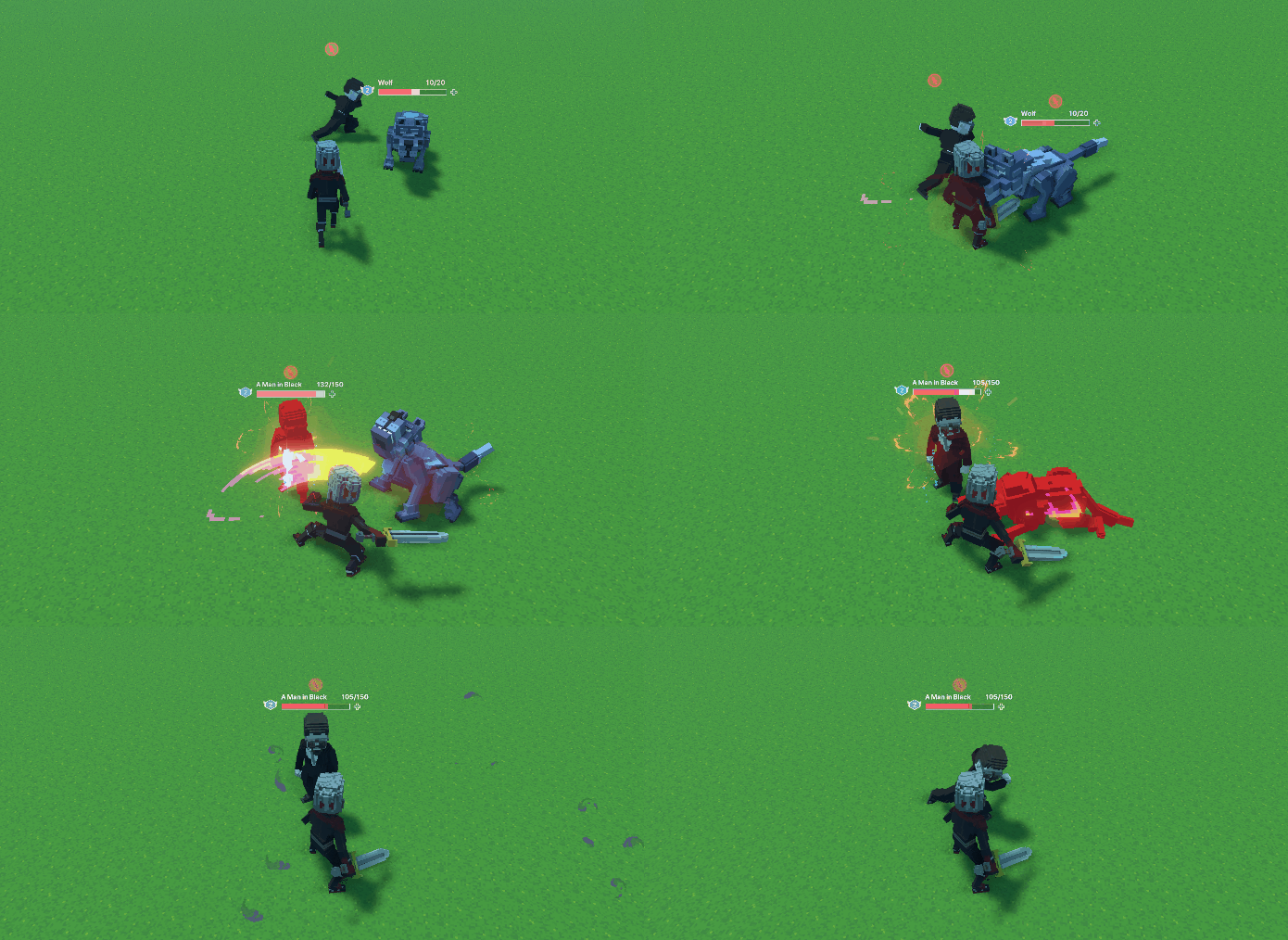
* When applied to an Asset it will defend the area for hostiles and attack them on sight. Soldier won't attack you unless you attack them first.

## Common Uses

* Patrolling NPC, or non-player character, that confronts hostiles as a line of defense

## Communications

<table data-header-hidden><thead><tr><th width="278"></th><th></th></tr></thead><tbody><tr><td><p><strong>Inputs:</strong></p><p>Detects specified Tags (default Tag is Hostile, which is added to any object or Avatar that attacks Citizens or Soldiers)</p></td><td><p><strong>Outputs:</strong></p><p>If any of its Tags to Attack are detected, moves toward and attacks the Avatar or Objects with its target Tags, otherwise peaceful</p></td></tr></tbody></table>

<img src="/files/dYz7TPW7Sg6dlPlDt0km" alt="" class="gitbook-drawing">

## Parameters

| Options                          | Details                                                                                                                                                                                                                                                                                                                                                                                                                                                                                                                                                                                                                                                                                                                                                             |
| -------------------------------- | ------------------------------------------------------------------------------------------------------------------------------------------------------------------------------------------------------------------------------------------------------------------------------------------------------------------------------------------------------------------------------------------------------------------------------------------------------------------------------------------------------------------------------------------------------------------------------------------------------------------------------------------------------------------------------------------------------------------------------------------------------------------- |
| ![](/files/4PiFKm0vuakYEp7rvekc) | <p><strong>Patrol Zone</strong> - define the space where the Object will walk around. It may step up or down one block at a time.<br><br>This parameter is visualised with a <mark style="color:blue;"><strong>blue</strong></mark> cube Gizmo that adjusts as you enter new <mark style="color:red;"><strong>X</strong></mark>, <mark style="color:green;"><strong>Y</strong></mark>, and <mark style="color:blue;"><strong>Z</strong></mark> values.</p>                                                                                                                                                                                                                                                                                                          |
| ![](/files/rZbRJGvIJ6xcdiuWiV2j) | <p><strong>Walk Speed</strong> (slider) - Determines the amount of blocks travelled per second by your Object when walking.<br><br>This parameter's max value is determined by the ASSET's <img src="/files/yZdk0h4jWRoKzXe80kJd" alt=""> <mark style="color:blue;">Speed</mark> stat.<br><br><strong>Run Speed</strong> (slider) - Determines the amount of blocks travelled per second by your Object when running.<br><br>This parameter's max value is determined by the ASSET's <img src="/files/yZdk0h4jWRoKzXe80kJd" alt=""> <mark style="color:blue;">Speed</mark> stat.</p>                                                                                                                                                                                |
| ![](/files/DplNZ8DUCz4gVW6RbtOE) | <p><strong>Attack Damage</strong> (slider) - Defines how many points of damage your Object will deal with a single hit.<br><br>The max value of this parameter is determined by the ASSET's <img src="/files/iKa3PpvEvOc6x99uKWBy" alt=""><mark style="color:yellow;">Power</mark> stat.<br><br><strong>Attack Speed</strong> (slider) - Defines the amount of attacks that can be done per second by the Object.<br><br>This parameter's max value is determined by the ASSET's <img src="/files/yZdk0h4jWRoKzXe80kJd" alt=""> <mark style="color:blue;">Speed</mark> stat.</p>                                                                                                                                                                                    |
| ![](/files/C3nGO5RPnfGVekw6h6q2) | **Tags to Attack** - Defines which tags the Object will chase and attack if within its range.                                                                                                                                                                                                                                                                                                                                                                                                                                                                                                                                                                                                                                                                       |
| ![](/files/ObT2eOnwviLXYmFIMTi2) | <p><strong>Detection Range</strong> (slider) - defines the area in which your Object will detect <mark style="color:red;">Tags to Attack</mark>.<br><br>This parameter is visualised with a <mark style="color:yellow;"><strong>yellow</strong></mark> circle Gizmo that adjusts as you move the slider or change the value.<br><br>The max value of this parameter is determined by the ASSET's <img src="/files/WOhd9cNbt7aeAekBHnG2" alt=""><mark style="color:green;">Luck</mark> stat.<br><br><strong>Attack Range</strong> - Defines how far away the Object needs to be to attack.<br><br>This parameter is visualised with a <mark style="color:red;"><strong>red</strong></mark> circle Gizmo that adjusts as you move the slider or change the value.</p> |
| ![](/files/9VRfs92S7UwlK2yq4zne) | **Auto Defense** - If set to <mark style="color:green;">True</mark>, the Object will fight back if it is attacked.                                                                                                                                                                                                                                                                                                                                                                                                                                                                                                                                                                                                                                                  |
| ![](/files/wKN6kvb3gHsKk6glRxiw) | **Random Walk Frequency** - Determines how often, in seconds, the Object will change direction when patrolling.                                                                                                                                                                                                                                                                                                                                                                                                                                                                                                                                                                                                                                                     |


---

# Agent Instructions: Querying This Documentation

If you need additional information that is not directly available in this page, you can query the documentation dynamically by asking a question.

Perform an HTTP GET request on the current page URL with the `ask` query parameter:

```
GET https://docs.sandbox.game/en/creator/game-maker/docs/behaviours/npc-ai-pawns/soldier.md?ask=<question>
```

The question should be specific, self-contained, and written in natural language.
The response will contain a direct answer to the question and relevant excerpts and sources from the documentation.

Use this mechanism when the answer is not explicitly present in the current page, you need clarification or additional context, or you want to retrieve related documentation sections.