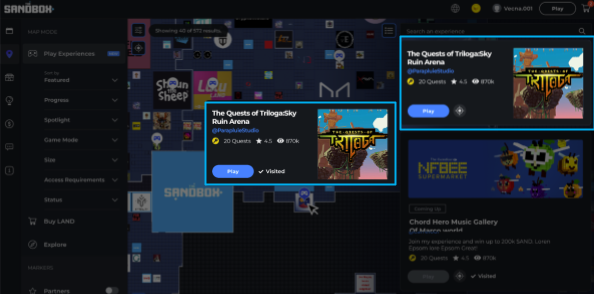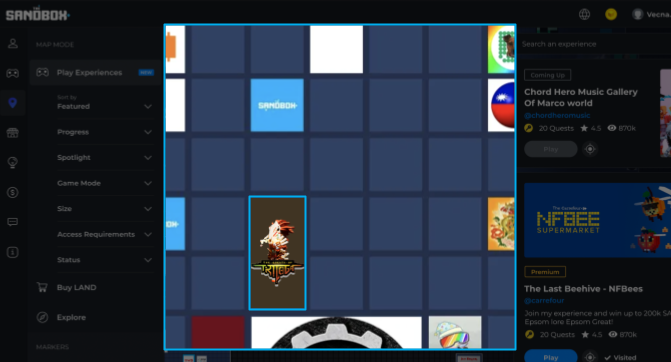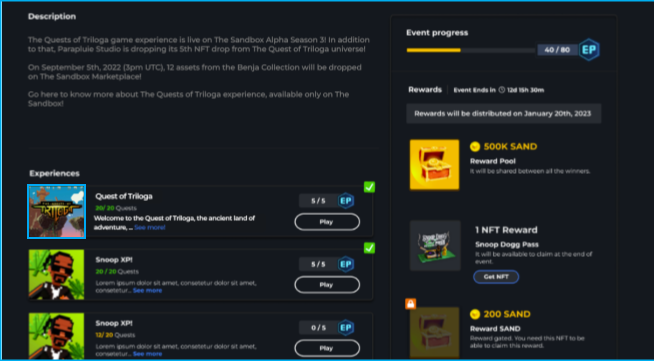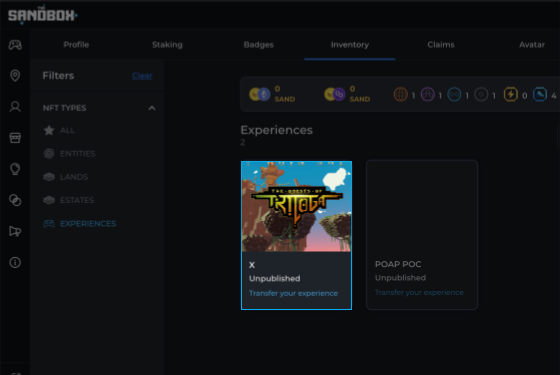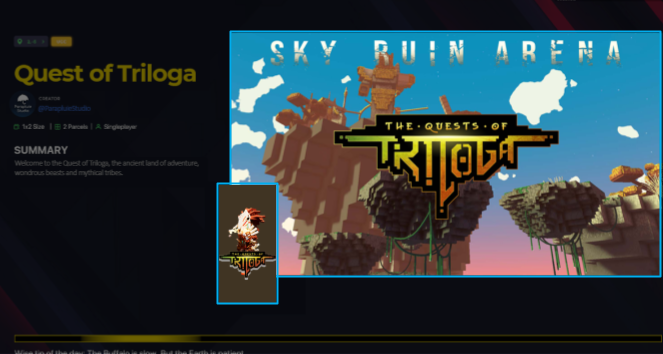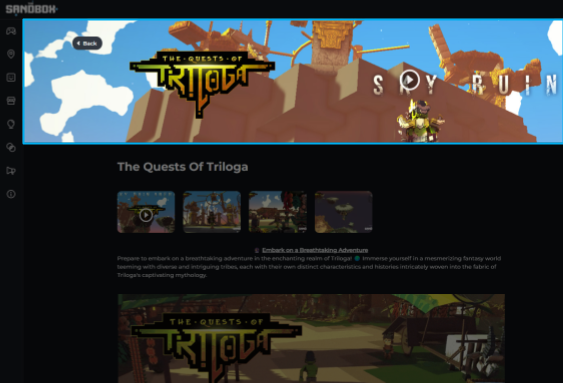
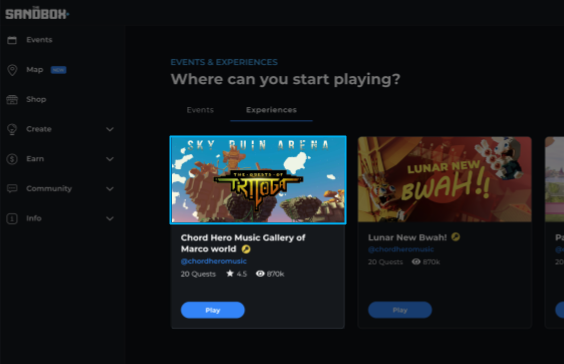
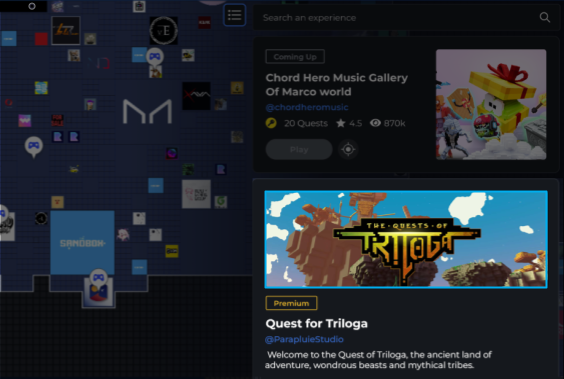
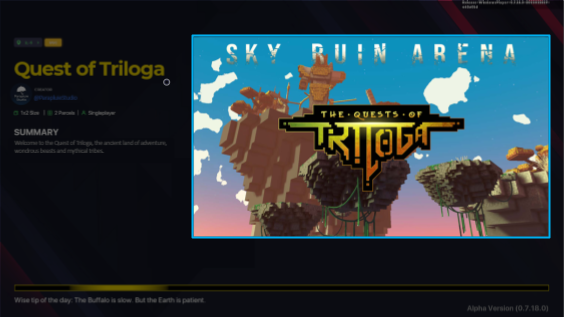

| Where it will be used: 1. Experience Page 2. Home Experience Highlight 3. Map Premium Card Listing 4. Game Client Experience Loading Splash Screen |
Minimum Resolution: 1920x1080 Maximum File Size: 10Mb File Types: PNG, JPEG, JPG, WEBP |
| Location | Alignment | Adjust to | |
|---|---|---|---|
| Experience Page | Absolute Center | Width | EX page banner.png |
| Home Experience Highlight | Right | Height | Home Exp Highlight banner.png |
| Map Premium Card Listing | Right | Height | banner map premium card listing.png |
| Game Client Experience Loading Splash Screen | None | Perfect Fit | banner GC loading splash.png |
| Where it will be used: |
| |
Minimum Resolution: 1920x620 File Types: PNG, JPEG, JPG, WEBP |
| Where it will be used: 1. Map: Regular Card Listing & Regular/Premium Card Hover 2. Map: Rendered in the map 3. Event Details Page 4. Inventory Card 5. Game Client Experience Loading Splash Screen |
Ratio: X:Y According to Experience Size No Minimum Resolution File Types: PNG, JPEG, JPG, WEBP, GIF |
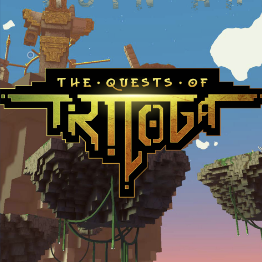
1x1 Experience

1X2 Experience
| Location | Alignment | Adjust to | |
|---|---|---|---|
| Map: Regular Card Listing & Regular/Premium Card Hover | Fit or Top | 1:1 Crop | experience map logo.png |
| Map: Rendered in the map | Fit or Top | Crop | map logo rendered.png |
| Event Details Page | Fit or Top | 1:1 Crop | map logo event details page.png |
| Inventory Card | Fit or Top | 1:1 Crop | logo inventory card.png |
| Game Client Experience Loading Splash Screen | Fit | None | GC loading logo.png |
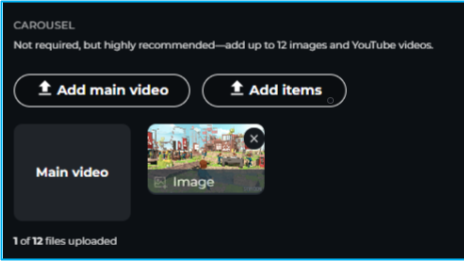
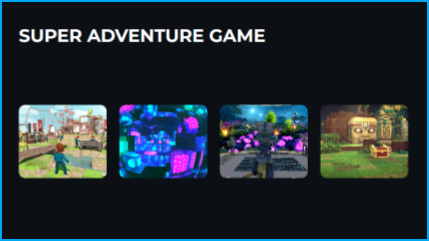
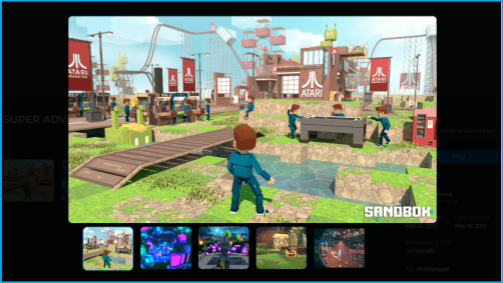
| Where it will be used: 1. Experience Page - Carousel Editor 2. Experience Page - Carousel View 3. Experience Page - Projector |
Minimum Resolution: 1920x1080 Maximum File Size: 10Mb File Types: PNG, JPEG, JPG, WEBP, GIF |
| Location | Alignment | Adjust to | |
|---|---|---|---|
| Experience Page - Carousel Editor | Fit | None | carousel editor.png |
| Experience Page - Carousel View | Crop to the size of the thumbnail | None | carousel view.png |
| Experience Page - Projector | Absolute Center | Max Possible Height | carousel projector.png |

| Where it will be used: 1. Experience Page - Long Description |
Width: 660px File Type: Animated GIF |
| Location | Alignment | Adjust to | |
|---|---|---|---|
| Experience Page | Fit | Maximum Width Possible |
| Where it will be used: 1. Experience Page - Banner Play Icon 2. Experience Page - Projector |
|

Banner Play Icon
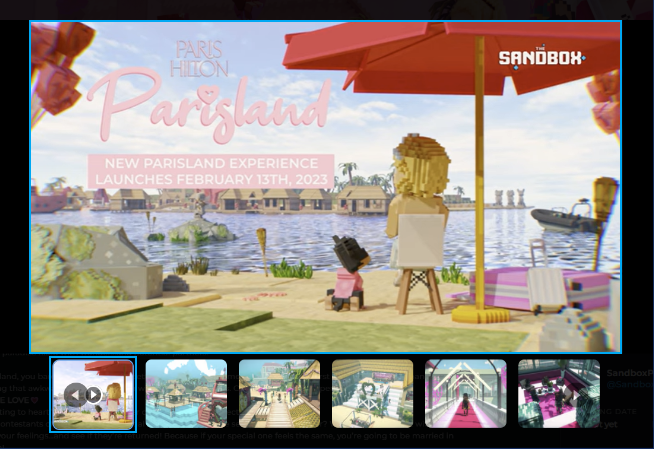
Projector
| Where it will be used: 1. Experience Page - Projector |
|
Carousel
| Where it will be used: 1. Experience Page 2. Experience Page automatic S.E.O. (Search Engine Optimization) 3. MAP SideBar: Proposed Experiences Names (to be confirmed) 4. Events Page: Experience List 5. Inventory: Experience List 6. Workspaces: Experience List (to be released) 7. Admin Menu - Experience List |
| Maximum Characters: 70 |

Maximum of 70 characters in an Experience Name
| Where it will be used: 1. Experience Page automatic S.E.O. (Search Engine Optimization) 3. MAP SideBar: Experience Description (to be confirmed) 4. Events Page: Experience List 5. Game Client Loading Splash Screen |
| Maximum Characters: 140 |
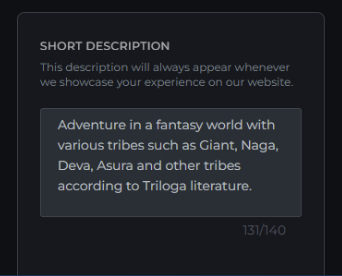
Maximum of 140 characters in a short Experience description
| Where it will be used: 1. Experience Page - Long Description |
| No Character Limit |
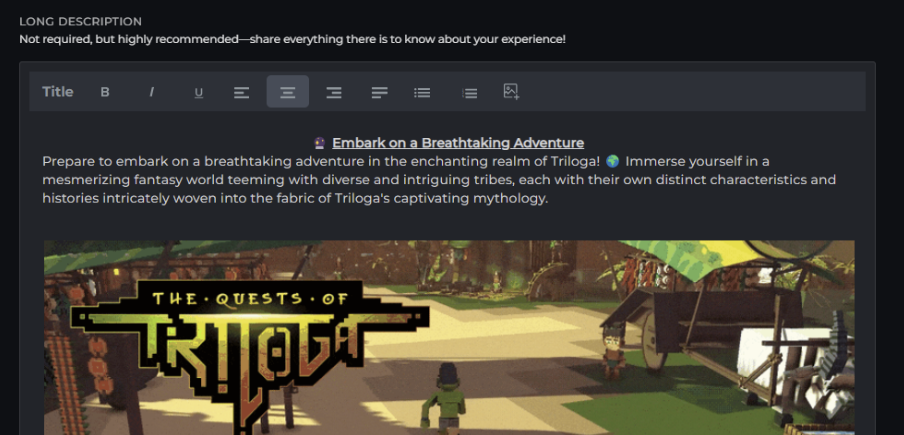
No character limit for a long Experience description.